
Auto imported posts lacking original images
-
So no doubt you’ve seen the same but I’m just mentioning it here.
The auto-imported posts that don’t contain the original image they were displaying for one reason or another. I’m lost as to the content (I see lots of replies). Then I’ve to click 3 dots to get to show original message which then means I’m on another website

-
From my understanding, only the 1st image (or the only image) in a post is put into this top corner… idk why that is, but that seemingly is a thing.
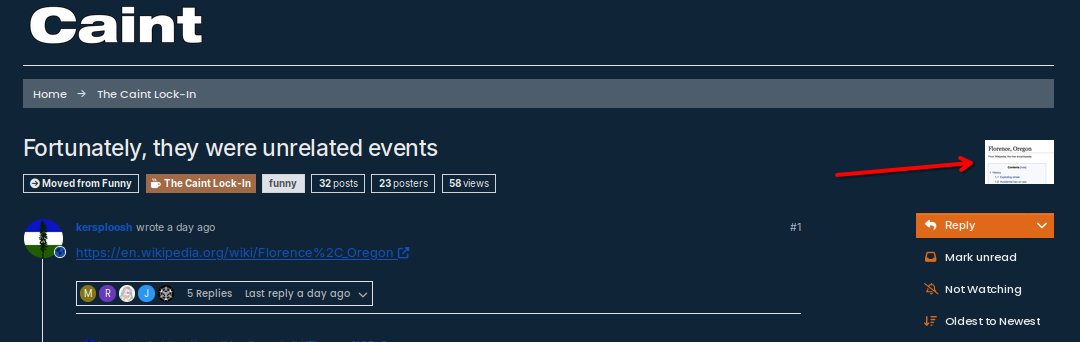
Videos straight up don’t work. I don’t know if the two are related, but I would assume it is how nodeBB is handling how ActivityPub posts are listed. Or if it’s specifically Lemmy/PieFed and how they handle posts.
And yes, you do end up going onto the original page to view the content.
-
It’s a bit of a headache tbh.
I may raise a support thread on nodeBB and see if there is a solution.There does appear to be some issues with ActivityPub especially on the de-federation side.
I have instances listed on there, but they are not being honoured, or simply the de-federation is not working.And some accounts, that I have ‘Deleted’ appear to come back. I have restarted nodeBB a couple of times this morning to see if that would fix it, but evidently not.
-
And this has been fixed.
I did raise this with NodeBB developers who added it to an existing GitHub issue that has been there since July with no movement on it.I did ask Claude to help to resolve this, so I won’t take credit, but at least there is a fix…
It now looks like this:
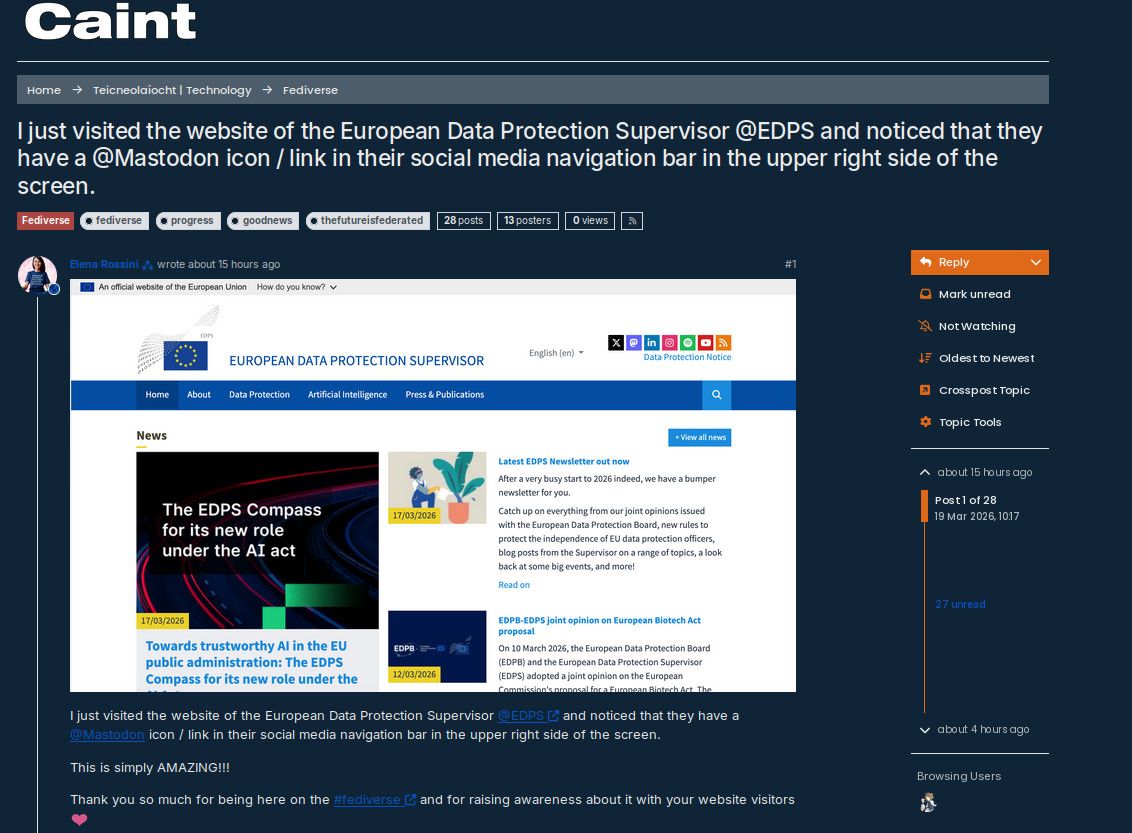
For anyone that is running NodeBB and wants to fix this
Go to:
- ACP -> Appearance -> Custom Content (HTML/JS/CSS) -> Custom CSS/SASS
and add the following:
/* Hide the topic thumbnail in the top-right corner */
.flex-shrink-1.d-flex.flex-wrap.gap-2.hidden-empty {
    display: none !important;
}
Then go to:
- ACP -> Appearance -> Custom Content (HTML/JS/CSS) -> Custom Javascript
and add the following:
$(window).on('action:topic.loaded', function() {
    var $thumb = $('.flex-shrink-1.d-flex.flex-wrap.gap-2.hidden-empty img');

    if ($thumb.length) {
        var imgSrc = $thumb.attr('src');

        var $inlineImg = $('<img>', {
            src: imgSrc,
            style: 'max-width: 100%; height: auto; display: block; margin-bottom: 1rem;'
        });

        $('[component="post/content"]').first().prepend($inlineImg);
    }
});
You can change
prependtoappendif you prefer having the image below the OP text.Rebuild & Restart your NodeBB forum.
- ACP -> Appearance -> Custom Content (HTML/JS/CSS) -> Custom CSS/SASS
-
 P padraig referenced this topic

Hello! It looks like you're interested in this conversation, but you don't have an account yet.
Getting fed up of having to scroll through the same posts each visit? When you register for an account, you'll always come back to exactly where you were before, and choose to be notified of new replies (either via email, or push notification). You'll also be able to save bookmarks and upvote posts to show your appreciation to other community members.
With your input, this post could be even better 💗
Register Login